How to Manage Safe Distancing of Customers Using a Digital Queue Management System
How It Works
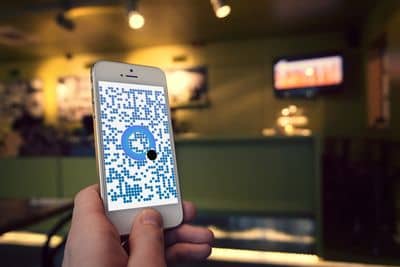
Scan the QR Code
The visitor scans the QR code outside your shop. They do not have to wait in a crowd or queue outside your shop.
Request a Digital Ticket
The QR code redirects the visitor's browser to a virtual (online) kiosk screen, where they can select the service, request a digital queue ticket, and get a ticket instantly.
Wait Wherever You Like
Wait anywhere — in your car, at a nearby cafe, or at home — until you get a status update about your current position in the queue and a message that you are about to be serviced.
Arrive Just in Time
Come to the shop or branch location just as you reach the front of the line. Your ticket number is shown on the display screen, and you're directed to the specific service counter, area, or room where someone will assist you.
Learn More About Digital Queue Management
Enter your name and number to learn more about digital queue management systems.